Skip to content
[Help]

KHUT detection processes problem

12 posts

KHUT detection processes problem

Posted Nov 7, 2016 9:33 am

​Trainer Version: 14.0.23107.0 (seems to be the latest one) (dowloaded 06 nov 16)
Operating System: Win 10 x64
Browser: Google Chrome, Firefox
Game: any
 

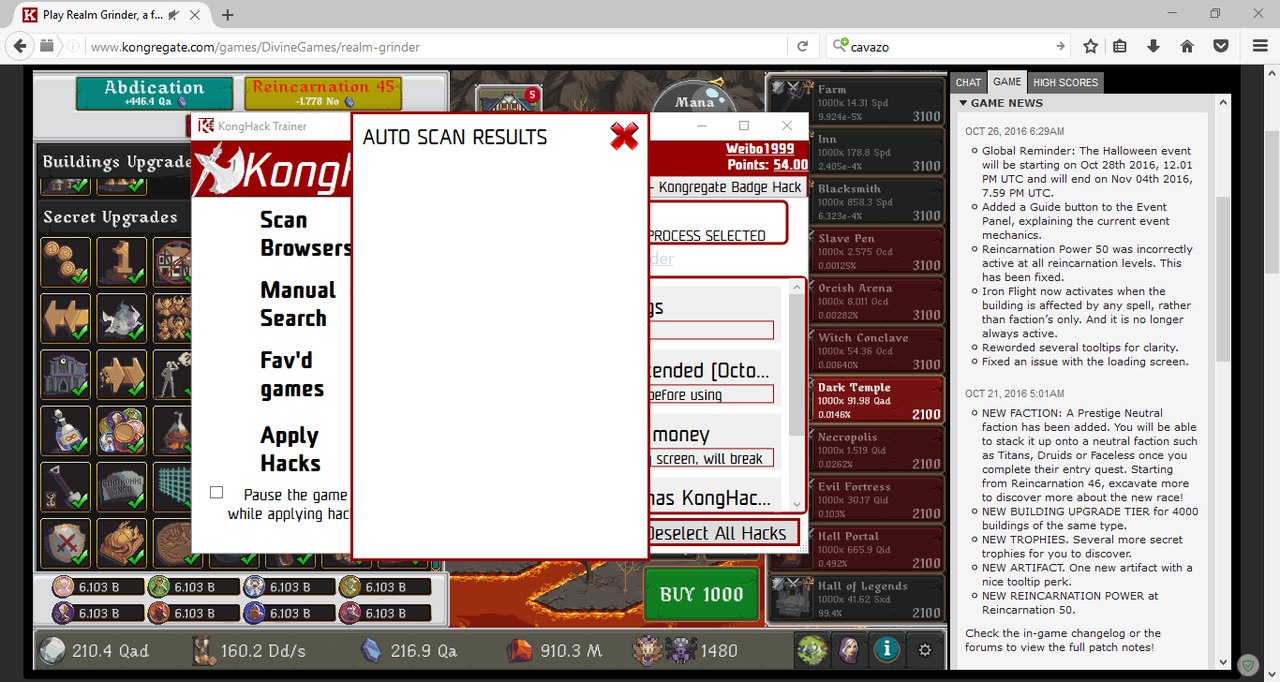
  1. The first problem is that Trainer can't detect any process when i type "Scan Browsers" on Firefox (49.0.2). The way selectin "fav'd games" or "manual search" (for ex) first and then choosin the process didnt work as well.


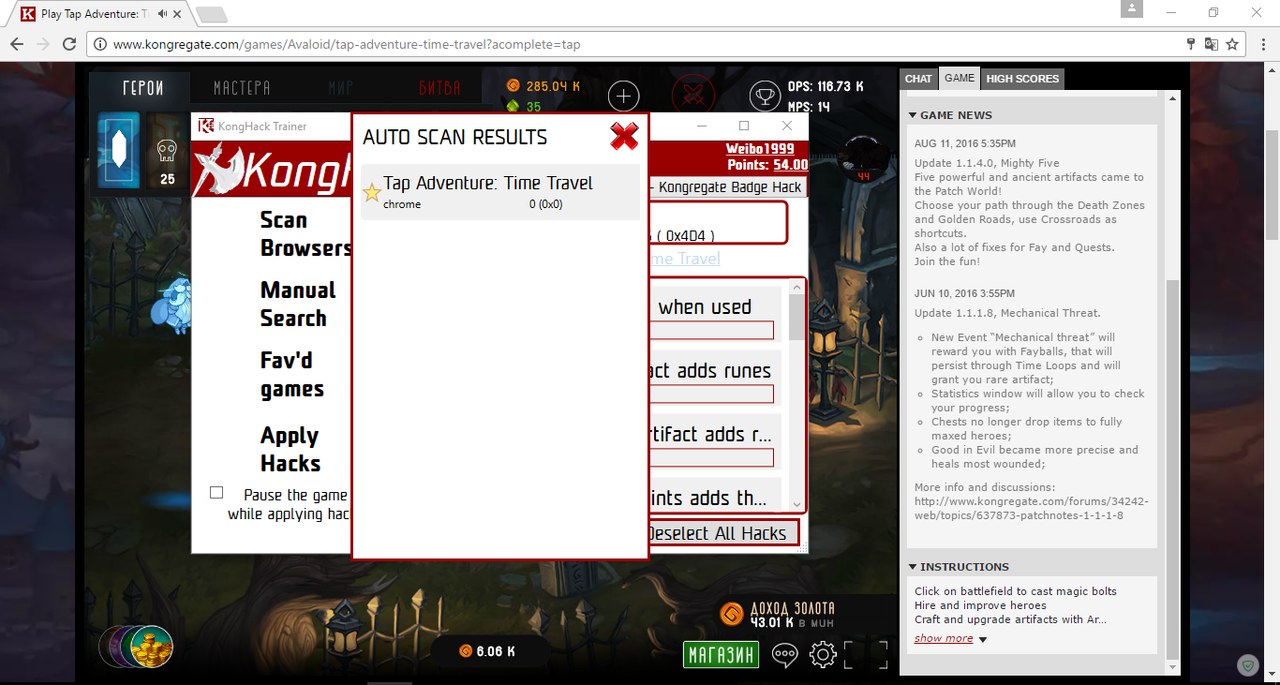
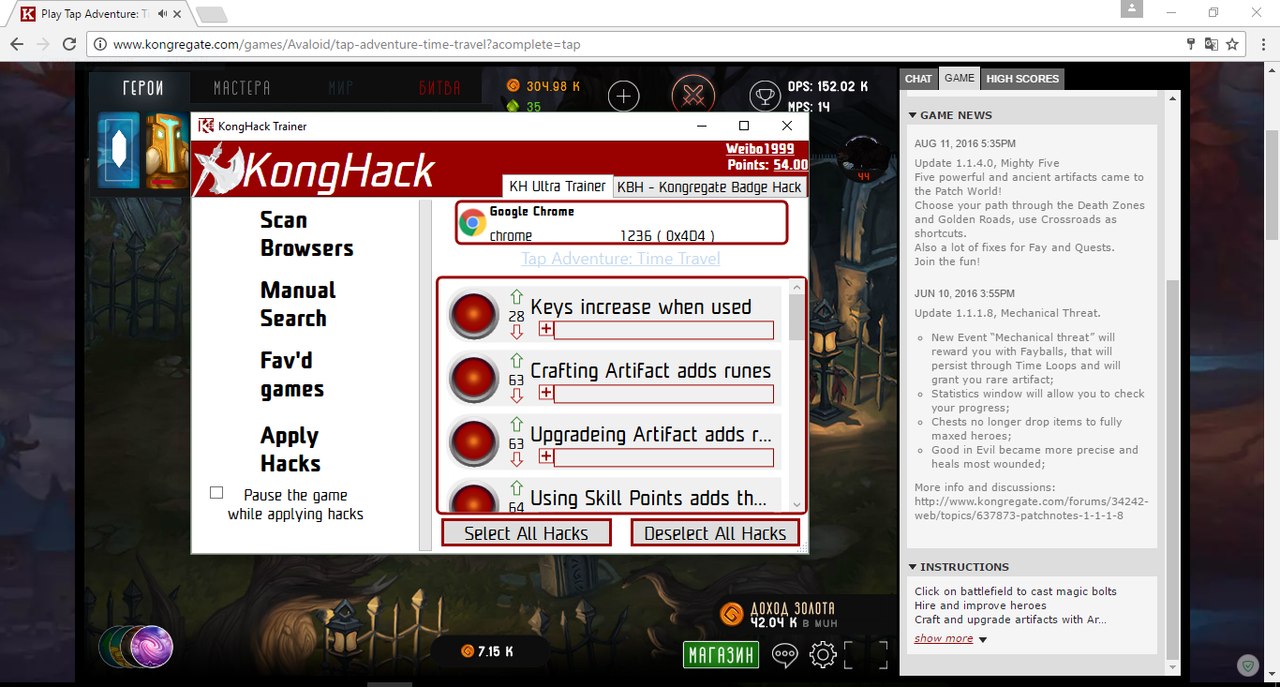
2. The second one is that Trainer cant apply any hack in any game when i use Chrome: I mean in this situation it detects the process when i press "Scan Browsers" but when i choose needed hack it aint apply it (only the red circle forever & nothin more).


It seems I can be very stupid in such things anf talkin sh-t things but mb someone can explain me whats is that & what im doin wrong
RE: KHUT detection processes problem

Posted Nov 7, 2016 2:00 pm

[do not quote this post]
You're doing everything right but missing a step. When you reach the state of the last picture you are supposed to click the 'Apply Hacks' button. It will show a visual indication of the scan and notify you of the success or failure
#Weibo1999
[do not quote this post]

RE: KHUT detection processes problem

Posted Jan 9, 2017 1:58 pm

Is'n there anything different on Facebook and Kongregate? i try hack KingsRoad with 5x attack speed and 4x movement. Success but nothing hapenned both of 2 sites...

RE: KHUT detection processes problem

Posted Jan 10, 2017 12:34 am

Yeah, usually when you apply a hack in game but not before or during the game's load state, it will say “Hacked”, but it won't do anything.

Either that or the hack has been patched or something.

RE: KHUT detection processes problem

Posted Jan 11, 2017 2:05 pm

Yeah...I'm try hack while playing game... maybe try againt sme more. why some game have some hack not working? (E.x: clicker heroes with 10x gold) sorry my bad English ^^!

RE: KHUT detection processes problem

Posted Jan 11, 2017 4:30 pm
knifeofdead Posted on: 01/11/2017 9:05am

Yeah...I'm try hack while playing game... maybe try againt sme more. why some game have some hack not working? (E.x: clicker heroes with 10x gold) sorry my bad English ^^!


because games change and hacks stop working.

RE: KHUT detection processes problem

Posted Jul 19, 2017 9:08 pm
Zenwaichi Posted on: 01/11/2017 11:30am

because games change and hacks stop working.


I haven't been able to keep up with news.

So what, exactly, has changed?

All of a sudden I cannot get any game, on any platform, in Chrome or Firefox, to autodetect.

RE: KHUT detection processes problem

Posted Jul 20, 2017 2:37 am

for example chrome killing native plugins has ruined everything that was out there for unity games and browser update almost weekly with a major release every six weeks roughly. But to be honest it sounds like your khut installation might be corrupted or something. 
Delete the contents of %localappdata%/Apps/2.0 to delete traces of khut and install it again. This has worked in the past

RE: KHUT detection processes problem

Posted Nov 22, 2017 7:43 am
mpccomp Posted on: 11/18/2017 8:08am

Greetings

My firefox browser just updated to v57.0 yesterday from v56.0.2 bringing with it an unwelcomed obsoletion of all the list of add-ons i had painstakingly downloaded and configured.

But what buged me regarding the update was that before it the plugin-container.exe for flash was auto detected by the KHUT via clicking the firefox icon in flash icon row while now i have to manually search and select the process to hook the KHUT application to the game as KHUT just pops upno process detected message.

In short i believe the new browser update has broken this feature of KHUT which is not an issue with v56.0.2.


Yeah same for me. The new update to "Quantum" now uses multiple processes like Chrome. Now KHUT has no clue how to interface.