Using Charles Proxy with HTTPS
Hey Konghack members!
I want to start of this topic by saying that i'm very new to this whole Flash Game hacking community but i'm very interested in it and therefore i'm here.
Many of you have probably heard of the software Charles Proxy, some of you may even have used it in some cases and that's the people i'm looking for! I've used the feature "Map Local" to
get my recoded SWF files to load onto the original games website and it works amazing! But sadly
i've come across a situation. I've been working on a game
Called Bit Heroes (Decompiled the SWF file, editted some of the coding, recompiled it, ready to test it..)
But as the original SWF file is placed on a HTTPS url it seems as i can't replace it with
my editted one... All that happens when i'm trying to replace the
original game with the editted one is that i'm being shown a white
empty window in Firefox... I'll attach some pictures so that you may understand me better! :) 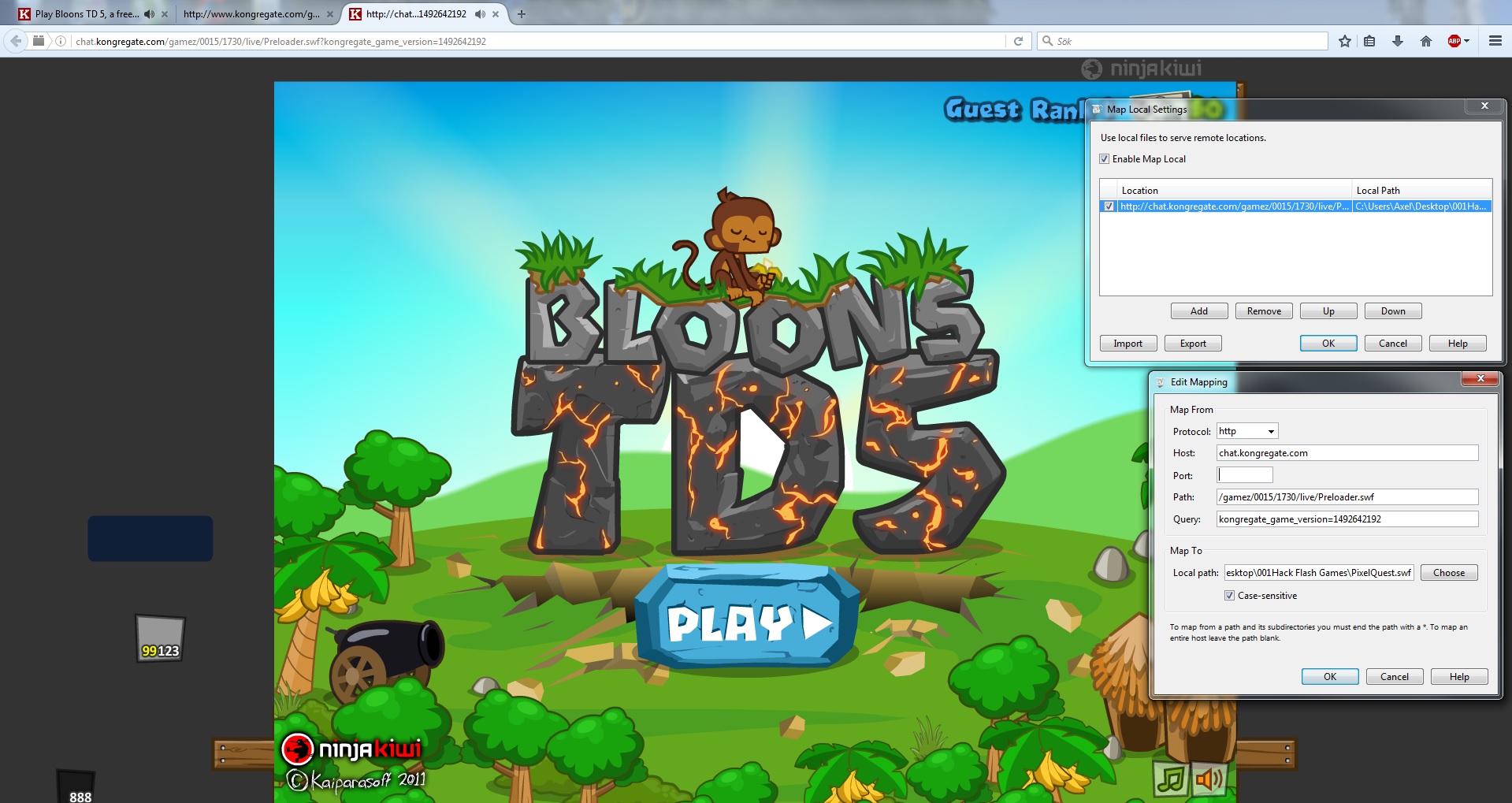
Here's when i'm using Bloons TD5 as an example. It's SWF file is on a regular HTTP Url so when i refresh the page you can see that the game changes to my custom SWF file.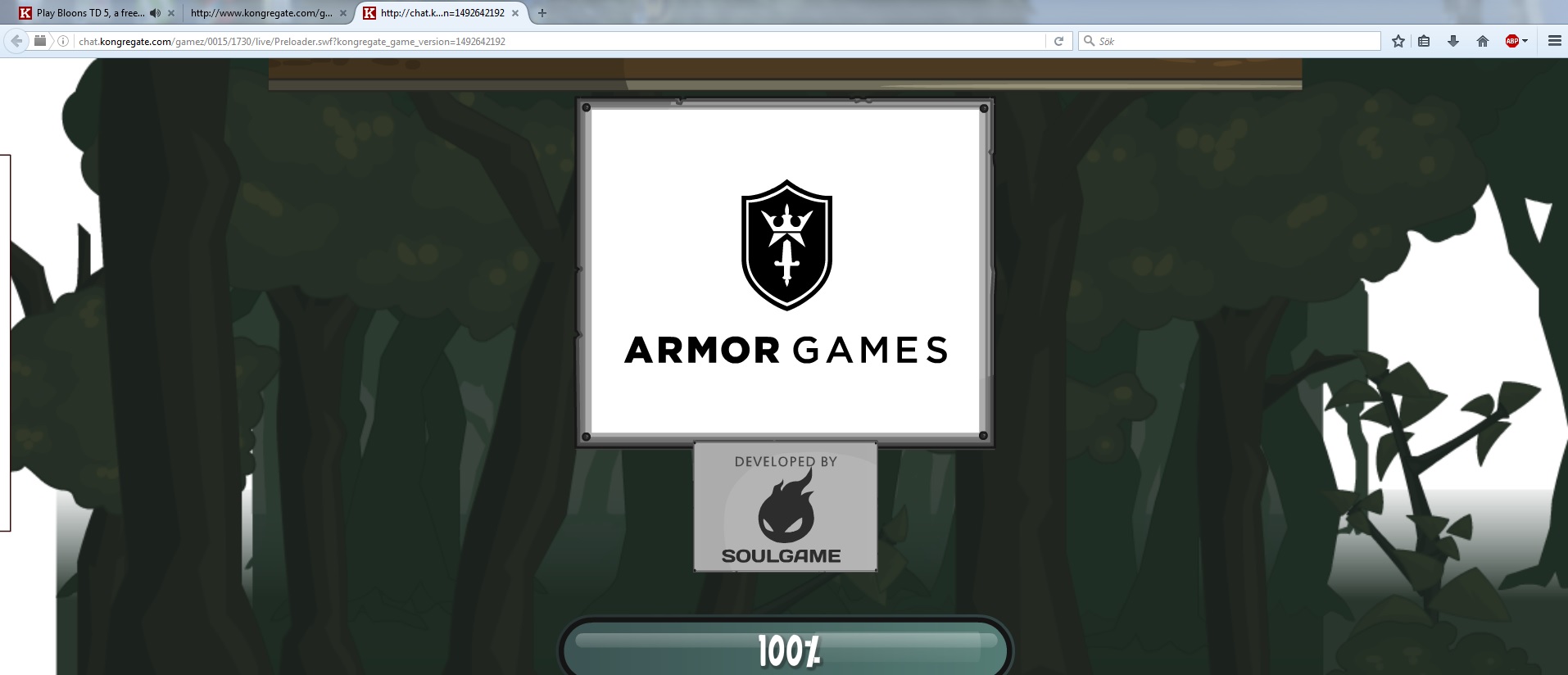
Now let's try to the same thing on a game that has it's SWF file on a HTTPS Url (in this case, Bit heroes)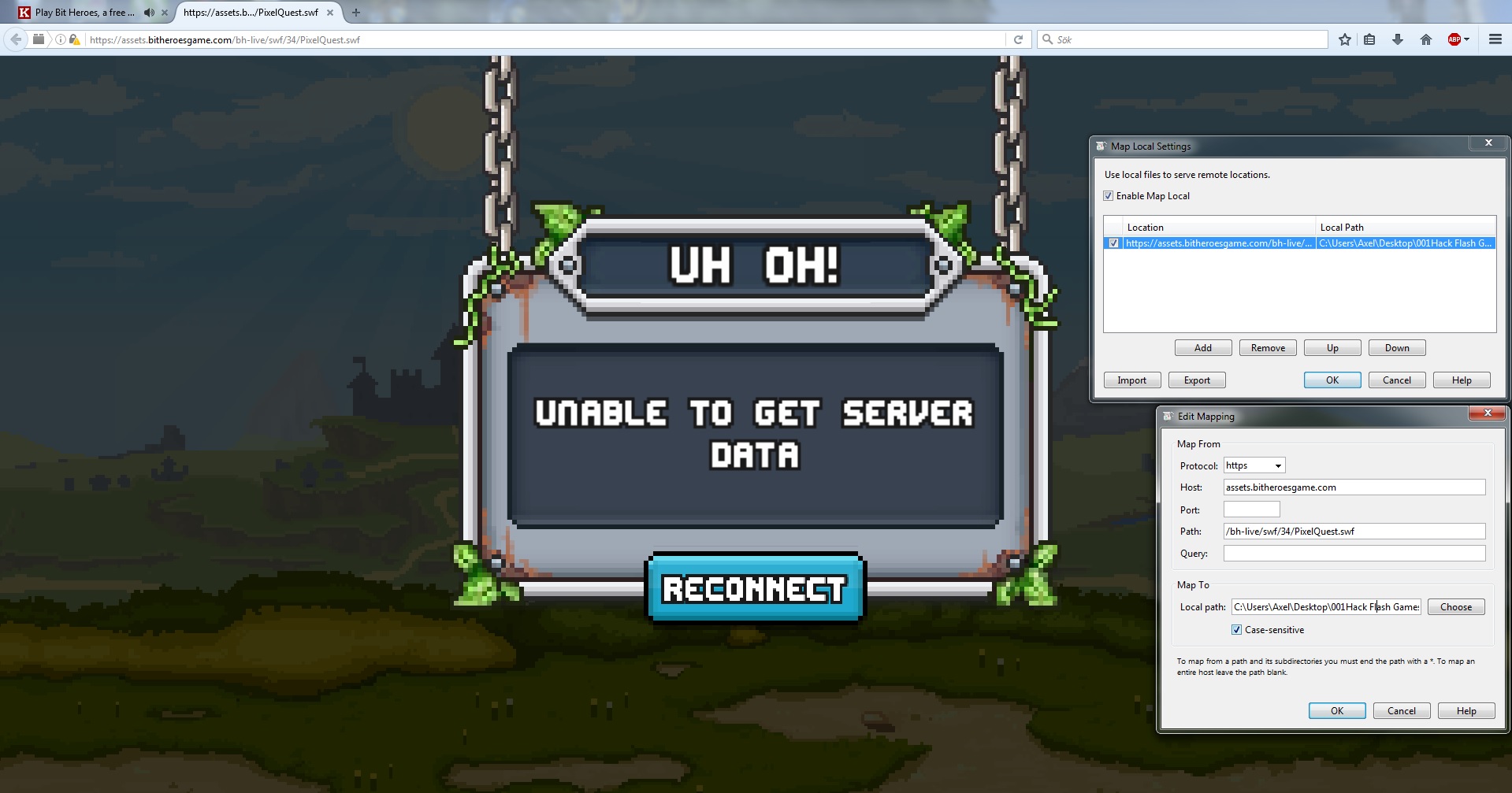
As you can see.... The website now is all white and my custom SWF file that i've told it to use simply doesn't load up as it does on the previous example when we used Bloons TD5.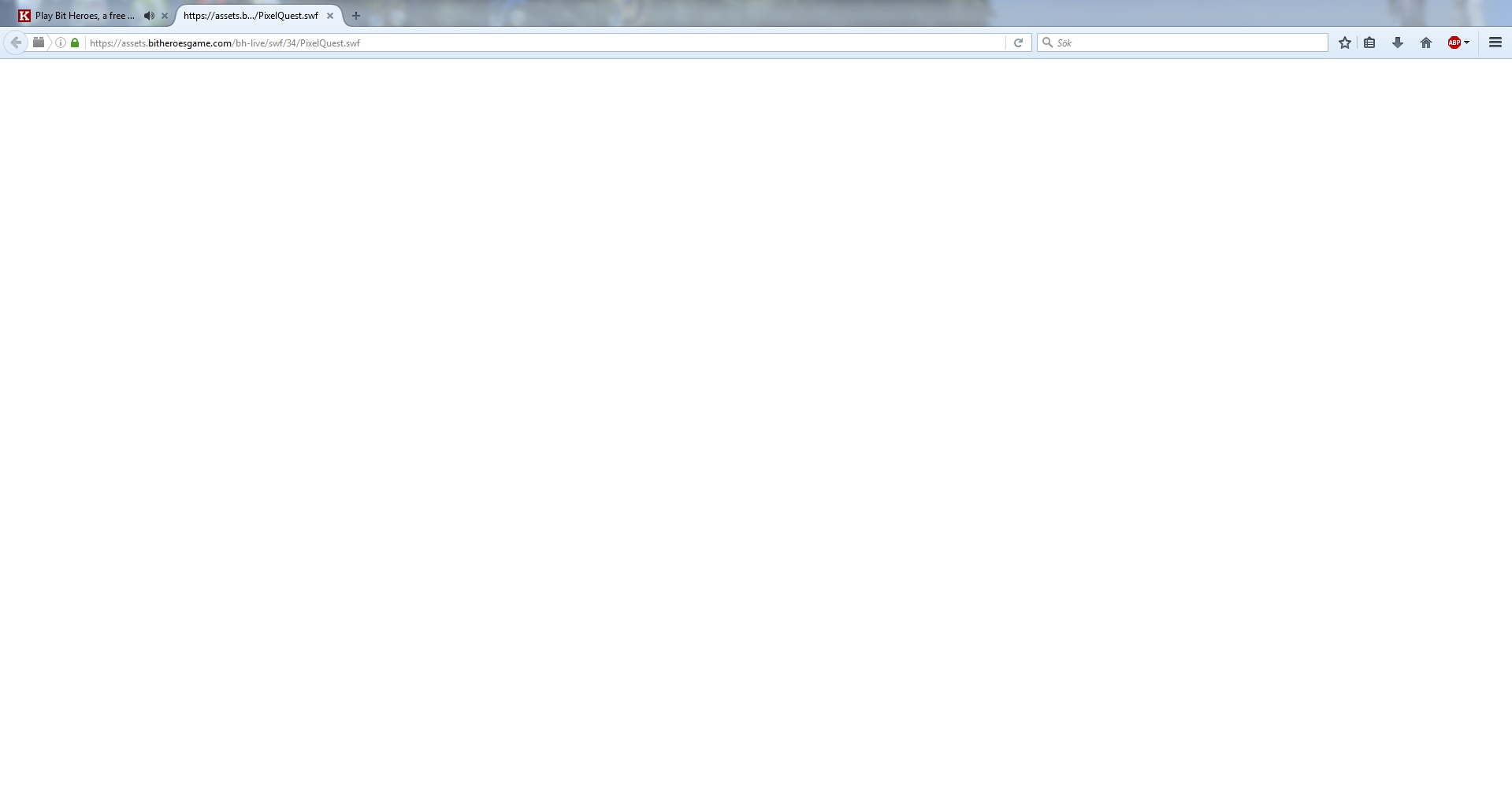
I'm not sure why it doesn't allow me to replace the SWF file and load it when it's on a HTTPS but if anyone knows, please help
me figure this out cause i've been stuck with this for quite a while and i would really like to see some progress being made! :)
Anyways, thank you very much for taking your time to read this far, if you've got a clue of what i'm doing wrong i would love to
get some help!
Thanks in advance,
Best regards
akke92