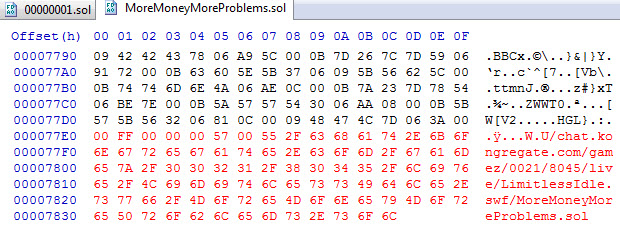
Finding sol files in Chrome
I've tried reading through the FAQs, and even broader Google searches, but haven't been able to find an answer to my question.
I use Chrome, and am trying to find a .sol file for a given game on Kongregate (specifically Bubble Tanks TD 1.5, but a more general process is what I'm looking for so I can repeat the exercise for any game). I've learned that I should be looking in this folder:
C:\Users\[UserName]\AppData\Local\Google\Chrome\User Data\Default\Pepper Data\Shockwave Flash\WritableRoot\#SharedObjects\[RandomSequence]\chat.kongregate.com
I have gone there, and there are some .sol files that are labeled in the main directory so I know for which game they are. There are also several folders under:
.../gamez/[4-digitNumber]/[4-digitNumber]/live/[PartialGameName]/
But even looking through all of those sub-folders, I haven't found all games; I've found Bubble Tanks Tower Defense and Bubble Tanks TD2, but not the 1.5 game. There are also several folders that start with ## and have 16 random digits, but the files in there are all named "00000001.sol", which doesn't help me know for which game they are. So if I am looking for a specific game, is there a way to search for it, or to tell Chrome to save it in a specific location?